UTR Number in Banking: Full Form, Meaning, Format & How to Find It (NEFT, RTGS, IMPS, UPI)
Discover how the UTR number functions across NEFT, RTGS, IMPS, & UPI payment modes. Also learn the ways to check UTR numbers in Google Pay, PhonePe, Paytm & more.
Listen to article
Audio version (0% complete)
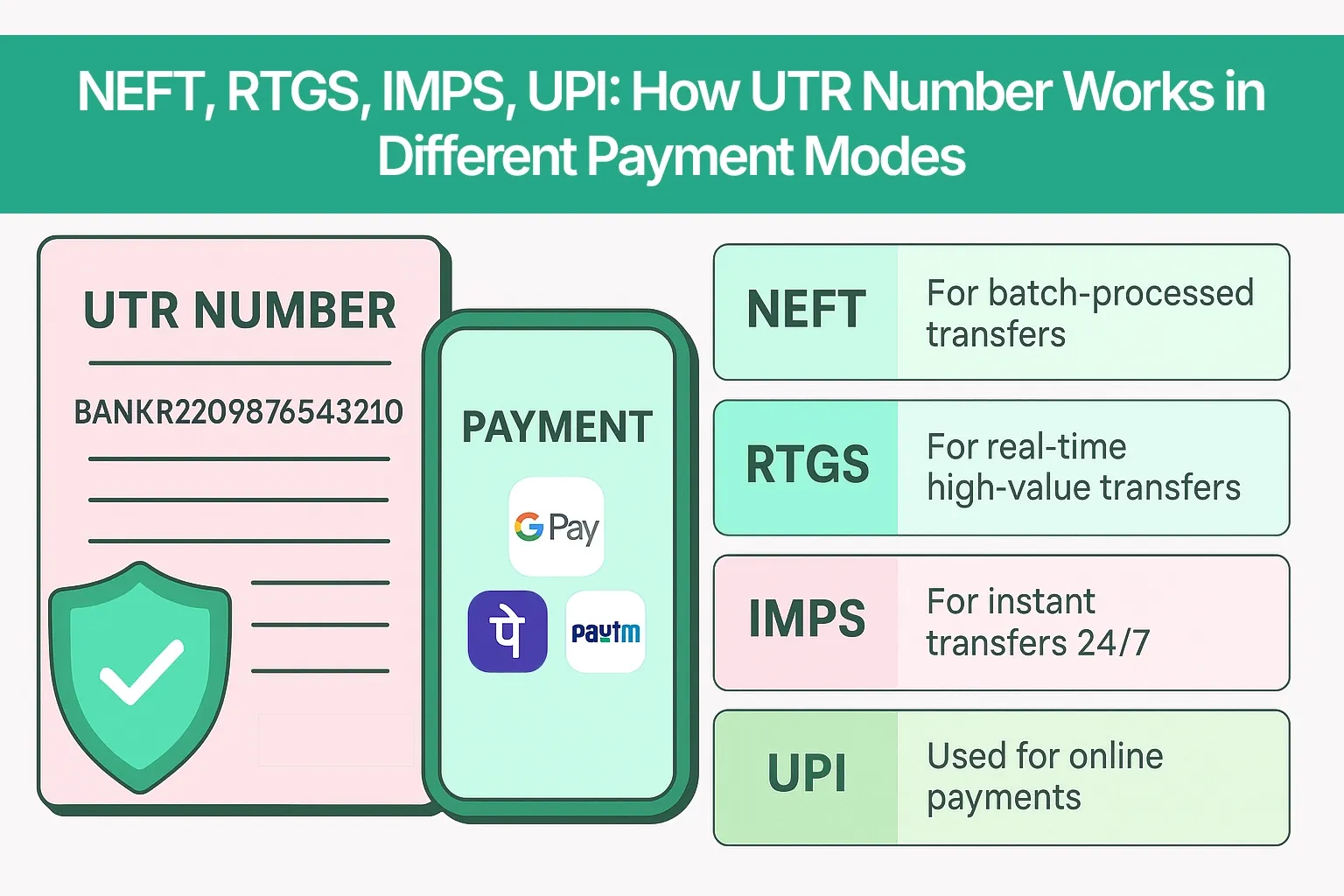
Every time you send money via NEFT, RTGS, IMPS or UPI in India, the transaction gets a unique code called a UTR number or an equivalent reference. This is what banks use to track your payment, confirm its status, and resolve issues when something goes wrong. If your salary is delayed, a client wants proof of payment, or a UPI transfer is “pending”, the UTR or reference number is usually the first thing people will ask for.
What does UTR number mean in banking?
UTR full form and meaning
The full form of UTR in banking is Unique Transaction Reference number. It is an alphanumeric code assigned to each electronic funds transfer such as NEFT and RTGS, and conceptually extended to IMPS and UPI through their own reference formats.
In simple language, UTR number means the unique ID your bank uses to identify, track and verify one specific transaction in its systems. NEFT and RTGS use a formal UTR format, while IMPS and UPI use equivalents like RRN and UPI transaction ID that serve the same purpose for those rails.
Where is the UTR number used?
You will see UTR numbers or their equivalents in almost every modern Indian payment rail:
- NEFT transfers between bank accounts
- RTGS transfers for high-value, time‑sensitive payments
- IMPS payments, usually labelled using an RRN (Reference Retrieval Number) rather than the word “UTR”
- UPI transactions on apps like Google Pay, PhonePe and Paytm, usually as a “UPI transaction ID” or “UPI Ref No.”
Payment gateways and payout platforms (for example, Razorpay, PayU, Cashfree and others) also capture the bank’s UTR or internal reference number to reconcile incoming and outgoing payments. For businesses, these references are crucial for vendor payouts, customer refunds, payroll, and collections, because they act as the bridge between the bank statement and internal systems like Tally or ERP.
Why is UTR number important for your transactions?
The UTR number is not just a random string, it performs a few critical functions:
- Tracking status: Banks use the UTR or reference to check whether a transaction is pending, successful, failed, reversed or on hold.
- Proof of payment: Sharing the UTR number with a beneficiary or client is one of the strongest proofs that you initiated a payment from your bank account.
- Dispute resolution: If money is debited but not credited, the support team relies on the UTR or reference to trace where the payment is stuck in the chain.
- Avoiding mix‑ups: In case of similar amounts on the same day, UTR ensures the bank is looking at the exact transaction you are talking about.
- Compliance and audit trail: UTRs and equivalent references create a clear audit trail for regulators, auditors and businesses, especially for high‑value or cross‑border‑linked transactions.
B2B examples
For businesses, UTR numbers become even more important:
- When you run bulk vendor payouts, each transfer has its own UTR or reference, which your finance team uses to match the payment against invoices in Tally or your ERP.
- When customers raise “payment not received” disputes, your support team typically asks for the UTR/reference, amount, and date to quickly reconcile between the payment gateway, bank, and internal systems.
UTR number format - NEFT vs RTGS vs IMPS vs UPI
While the meaning of “unique transaction reference” stays the same across payment modes, the exact format can differ:
- NEFT UTR: Often around 16 characters (alphanumeric) representing bank code, year, date and a unique sequence.
- RTGS UTR: Typically around 22 characters with more detailed information like bank, channel and date.
- IMPS reference (RRN): Usually a 12-16 digit numeric reference number that acts as the UTR for IMPS.
- UPI transaction ID / UPI Ref No.: Typically a 12-16 digit number generated for that specific UPI payment.
Payment mode | Name used (UTR / RRN / Txn ID) | Typical length | Who generates it | Where you see it |
NEFT | UTR number | ~16 characters | Originating bank / NEFT system | Bank statement, SMS, net banking, email |
RTGS | UTR number | ~22 characters | Originating bank / RTGS rail | Statement, SMS, RTGS advice/slip, net banking |
IMPS | RRN (acts like UTR) | 12–16 digits | IMPS platform / bank | SMS alerts, mobile app transaction details |
UPI | UPI Transaction ID / Ref No. | 12–16 digits | UPI (NPCI) + UPI app | Google Pay, PhonePe, Paytm transaction history |
NEFT UTR number format breakdown
A typical NEFT UTR number can look like: HDFC N 26015 12345678. While actual formats can vary slightly by bank, a common pattern is:
- First 4 characters (HDFC) – bank branch or bank code.
- Next character (N) – indicates NEFT as the channel.
- Next 3 characters (260) – year code (for example, 2026).
- Next 3 characters (015) – Julian date (the 15th day of the year).
- Last 8 characters (12345678) – unique sequence number for that transaction on that day.
RTGS UTR number format breakdown
RTGS UTR numbers carry similar information but in a longer string, often around 22 characters. A generic pattern looks like: HDFC RC 20260115 00001234:
- First 4 characters (HDFC) – originating bank code.
- Next 2 characters (RC) – channel or product code for RTGS.
- Next 8 characters (20260115) – full date in YYYYMMDD format.
- Last 8 characters (00001234) – running sequence number for that day.
RTGS is designed for high‑value transfers (usually ₹2 lakh and above), so the UTR is critical for quick tracking and confirmation when large sums are involved.
IMPS reference number (RRN) vs UTR
IMPS does not use a classical NEFT/RTGS‑style UTR. Instead, it uses an RRN (Reference Retrieval Number), but this RRN plays the same role: a unique reference for that IMPS transaction.
You will usually see the IMPS RRN as a 12-16 digit number in SMS alerts or your mobile banking app. When people (and even some bank staff) say “IMPS UTR”, they are almost always referring to this IMPS RRN - and that is the number you should share if the bank asks for the “UTR” of an IMPS transfer.
UPI transaction ID as UTR equivalent
For UPI, each payment gets a UPI transaction ID or UPI Ref No., which is typically a 12-16 digit numeric code. This is what apps like Google Pay, PhonePe and Paytm show in the transaction details screen.
From a user perspective, this UPI transaction ID functions like the UTR number - it is what the bank and UPI app use to trace, confirm or reverse your UPI payment. If someone asks for the UTR of a UPI payment, sharing the UPI transaction ID is usually enough.
How to find your UTR number, step‑by‑step
Whether you paid via NEFT, RTGS, IMPS or UPI, the process to do a UTR number check is similar. You need to look at the detailed view of the transaction in your bank channels or messages and find the field labelled UTR / Ref No. / RRN / Transaction ID.
Method 1 - Bank statement or passbook
- Download or open your bank statement for the relevant period from net banking or your mobile app, or refer to your physical passbook.
- Locate the transaction by date, amount and beneficiary name.
- In the statement, look for columns or notes labelled “UTR No.”, “Ref No.”, “Transaction ID” or “Reference Number” next to that entry - that is your UTR or equivalent reference.
Method 2 - SMS and email alerts
- Open the SMS inbox or email account linked to your bank account.
- Search using keywords like the amount, “NEFT”, “RTGS”, “IMPS”, “UPI”, “Ref No”, “RRN” or “UTR”.
- In the alert for that transaction, you will usually find a line like “Ref No. XXXXXXXX”, “UTR XXXXXXXX” or “UPI Ref No. XXXXXXXX” - this is the identifier you need.
Method 3 - Internet banking or mobile banking app
- Log in to your internet banking portal or mobile banking app.
- Go to Transaction History, Account Statement, or a similar menu.
- Filter by date or amount, then click/tap on the specific transaction you care about.
- Open the detailed view of that transaction. There you will usually see a field marked “UTR”, “Reference No.”, “RRN”, “Transaction ID” or “UPI Ref No.” - that is your UTR number or equivalent.
Some banks only show the full UTR in the downloaded PDF statement or in a “more details” pop‑up, so be sure to expand all available details.
Method 4 - Customer care or branch visit
If you cannot find the UTR on your own, you can ask your bank to help:
- Call the bank’s customer care or visit your home branch.
- Share details like account number, date of transaction, approximate time, amount, beneficiary name and payment mode (NEFT/RTGS/IMPS/UPI).
- The bank will locate the transaction in their system and provide the relevant UTR number / RRN / transaction ID to you.
How to find UTR in Google Pay, PhonePe & Paytm, app‑wise summary
App | Menu path to find it | Label to look for |
Google Pay | Transactions >> select payment >> details | UPI Transaction ID / UPI Ref No. |
PhonePe | History >> select payment >> details | Transaction ID / UPI Ref No. |
Paytm | Passbook / Balance & History >> select transaction | UPI Ref No. / Order ID / Transaction ID |
Common UTR‑related mistakes
Mistake 1 - Mixing up two UTRs with similar amounts
If you make multiple payments of similar amounts on the same day, it is easy to send the wrong UTR to a beneficiary or to your bank.
Mistake 2 - Expecting NEFT to behave like UPI
Many users panic if NEFT does not reflect within a few minutes, assuming it is as instant as UPI.
Mistake 3 - Confusing IMPS RRN with UPI ID
Some users share a UPI ID or UPI reference when the transaction was actually done via IMPS, or vice versa, which slows down support teams.
Mistake 4 - Not saving UTRs for high‑value or business‑critical transfers
If you do not save UTRs, you may waste time digging through statements and SMSes when something goes wrong.
FAQs
Frequently Asked Questions
The full form of UTR is Unique Transaction Reference number, and it is used to uniquely identify an electronic funds transfer.
In NEFT and RTGS, the UTR is the official reference created by the banking system for that transfer. In UPI, the UPI transaction ID or UPI Ref No. acts as the UTR equivalent for that payment.
NEFT UTRs are usually around 16 characters, RTGS UTRs about 22 characters, while IMPS RRNs and UPI transaction IDs are typically 12-16 digit numbers.
You can find your UTR or equivalent reference in bank statements, SMS/email alerts, internet banking or mobile banking apps, or by contacting customer care with transaction details.
In Google Pay, go to Transactions >> select the payment >> view details, and look for the UPI Transaction ID / UPI Ref No. field.
In PhonePe, open History >> select the payment >> details and look for Transaction ID / UPI Ref No.. In Paytm, go to Passbook / Balance & History >> select the transaction, then look for UPI Ref No. / Order ID / Transaction ID.
Sometimes yes, sometimes no. In NEFT/RTGS, the UTR is the main reference and is clearly labelled as such. In IMPS/UPI and apps, you may see a transaction ID or reference number (RRN, UPI Ref No.) that functions like a UTR but is named differently. Always share what is shown for that specific transaction.
Yes. Banks and payment providers use the UTR/transaction ID as the primary handle to track the status of your transaction, investigate issues and process reversals or refunds.
Yes. Once generated, a UTR remains the permanent identifier for that transaction in banking records, even if the transaction is later reversed or refunded.
You can recover it from statements, SMS/email history, internet banking or by contacting your bank’s support with the date, amount and beneficiary details.
It is generally safe to share the UTR with the beneficiary, auditor or bank because it is only an identifier, not an authentication factor. Just ensure you never share OTPs, PINs or passwords along with it.
IMPS uses an RRN (Reference Retrieval Number) as its official reference format. Functionally, this RRN is treated like the UTR for that IMPS transaction, even if the word “UTR” is not used.